Why Drink Brands Need Playable Games Over Static Signs
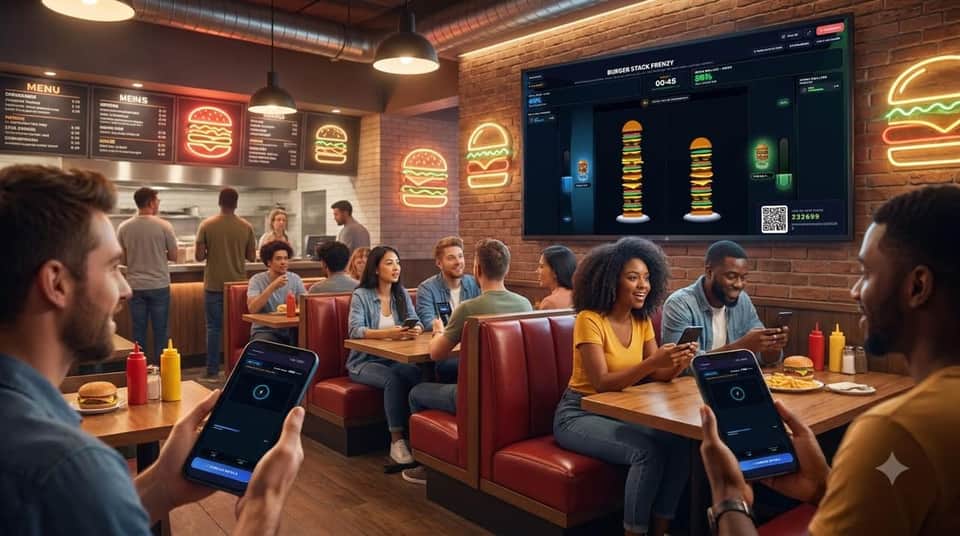
The drink aisle is crowded with energy drinks, sparkling waters, and craft sodas. Young buyers skip video ads and ignore static stadium banners. To stand out, drink brands need fans to feel the product, not just look at a logo. Soda Shake Showdown turns the best part of a cold drink—the fizz, pressure, and pop—into a loud crowd game. When fans shake their phones to win for their team, they build a real, fun memory tied to your brand.
Why Shaking a Phone Builds Strong Brand Recall
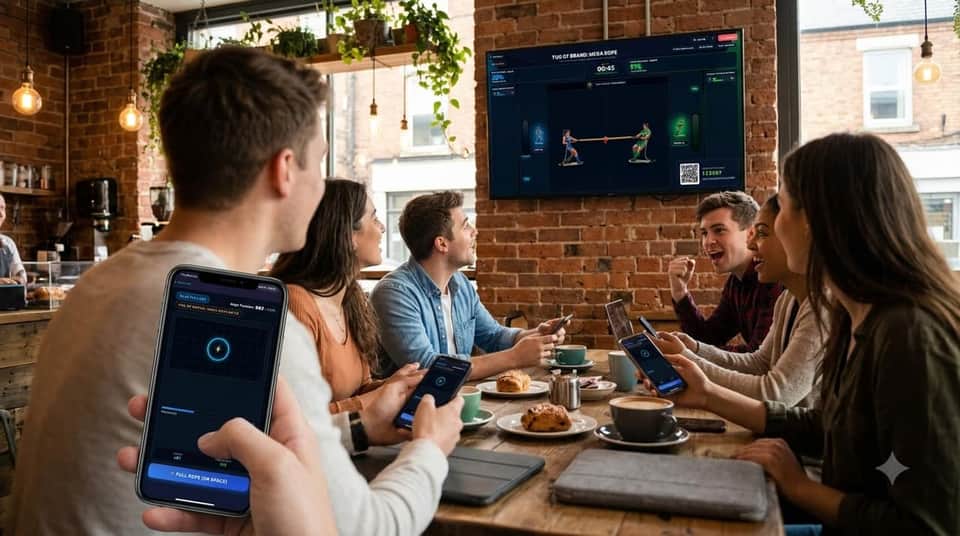
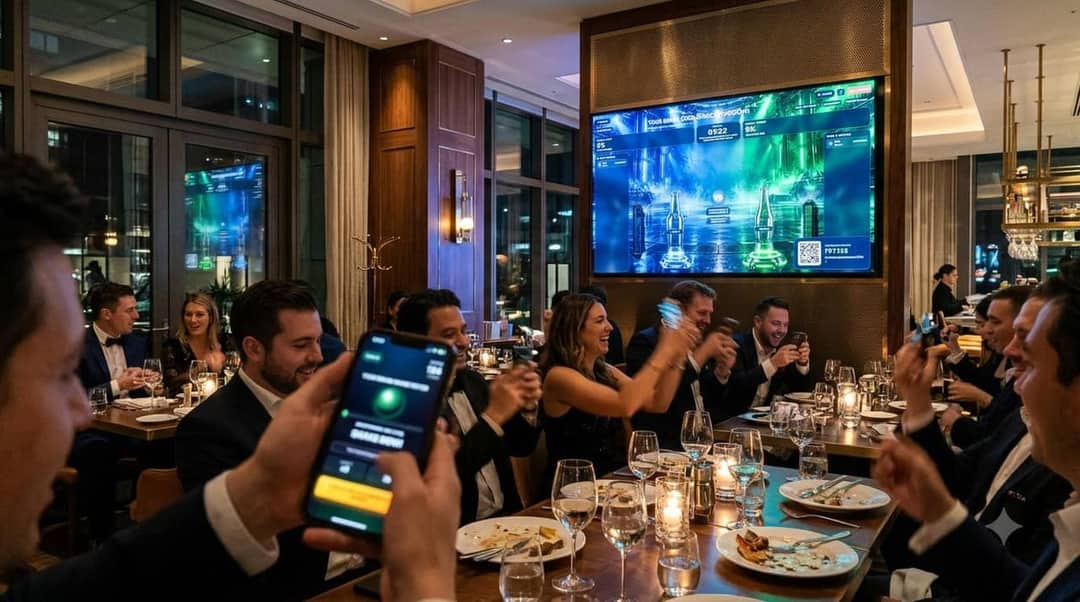
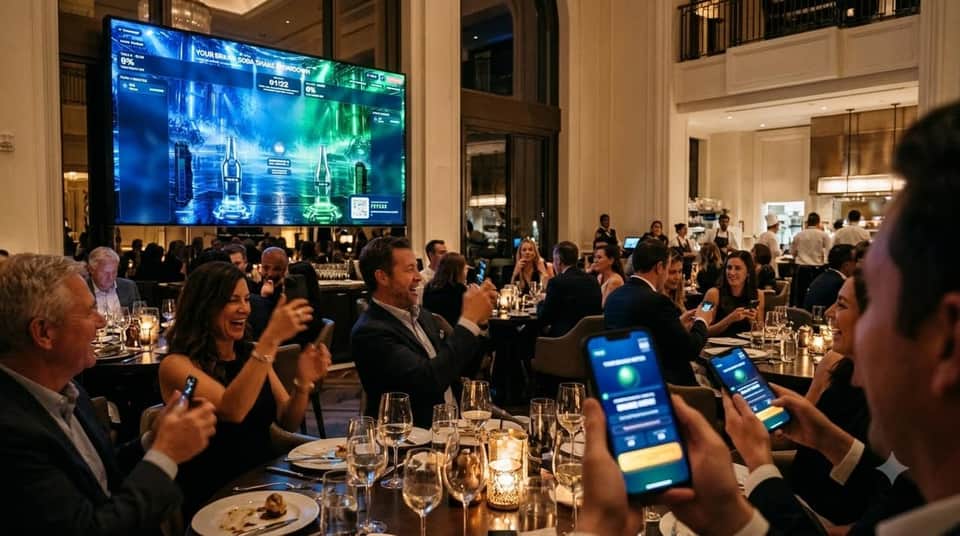
Hands-on play helps people remember what they see. Soda Shake Showdown uses the phone’s built-in motion sensor and vibration motor. As fans shake faster, the audio fizz grows louder and the phone pulses in their hand. Splitting the crowd into two clear sides—like North Stand vs. South Stand—sparks instant team pride. Fans cheer on their neighbors and watch their branded bottle race to the top of the giant screen.
Fast Crowd Onboarding on Busy Venue Networks
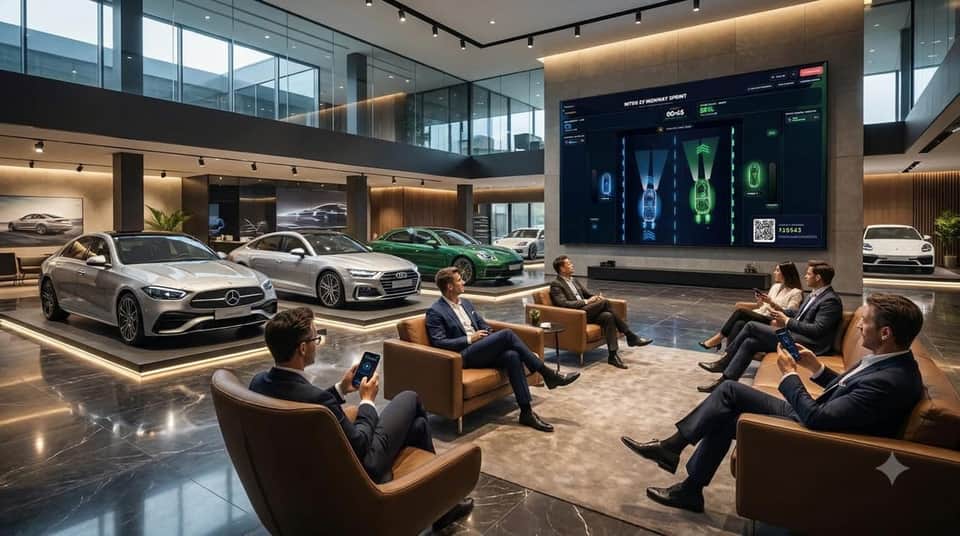
Stadium Wi-Fi and cell towers get crowded fast. PlayBrandy’s web engine is built to stay light and quick. The phone controller loads in under 350ms in Safari or Chrome with no App Store download. When the QR code hits the big screen, PlayBrandy balances players across teams in milliseconds. Even on spotty event networks, smooth 60fps graphics keep every player locked in.
From Stadium Hype to Real Store Sales
The real win starts the second the bottle pops. Right after the winner screen, every phone switches to a clean reward card. The winning team can get a free 20oz drink with a meal, while the other side gets 50% off or a BOGO deal. Each voucher supports one-time barcodes, QR codes, or Apple and Google Wallet passes for fast POS scanning. Your team gets full stats on scans, peak players, and coupon claims.
Quick Setup Checklist for Event Teams
Running Soda Shake Showdown takes just a few minutes. First, open PlayBrandy Studio to set team names, upload your bottle art, and add your coupon offer. Next, test the game in preview mode to check colors and text. Then connect your laptop or Mini PC to the venue screen over HDMI or NDI. Have the host call out the QR code 30 seconds before kickoff, run the round, and export your leads to HubSpot or Salesforce.